

You’ve spent time and money building your website. Maybe you launched it a few years ago, added a few updates along the way, and then moved on to running your business.
But here’s a question worth asking:
When was the last time you looked at your website through your customer’s eyes?
Not as the business owner who knows every detail about your products and services. Not as someone who helped build the site.
As a complete stranger who has never heard of your business before.
Because in today's digital world, your website often gets less than five seconds to make a first impression.
Five seconds.
That's about the same amount of time it takes to read this sentence.
In those few seconds, visitors are making decisions about whether they should stay, explore further, or click away to a competitor.
So let's do a quick website check-in.
Imagine a potential customer lands on your homepage.
They don't know you.
They don't know your business.
They don't know what problem you solve.
Can they immediately answer these three questions?
This sounds obvious, but many websites fail this test.
Business owners often become so familiar with their own industry language that they forget visitors don't understand the jargon.
Headlines such as:
Sound impressive, but what do they actually mean?
Very little to a first-time visitor.
Instead, your homepage should clearly state exactly what you do.
For example:
The clearer you are, the easier it is for visitors to understand whether they're in the right place.
Remember: confusion kills conversions.
Even if visitors know what you do, they also need to know whether you do it for people like them.
A website that tries to speak to everyone usually connects with no one.
Ask yourself:
For example:
Instead of:
"We provide digital marketing services."
Consider:
"We help small business owners attract more customers through websites, email marketing and digital strategy."
The second statement instantly tells visitors who the service is for.
When people feel understood, they're far more likely to engage.
This is one of the most common issues found on small business websites.
A visitor decides they're interested.
They want to contact you.
Then they have to hunt around the website looking for a phone number, email address or enquiry form.
Every extra click creates friction.
Every moment of frustration increases the chance they'll leave.
Your contact options should be easy to find from any page on your website.
Consider:
Don't make people work to give you business.
Here's a simple exercise.
Pull out your phone right now and visit your website.
Not from your computer.
Not from your admin login.
As a regular visitor.
Then ask yourself:
More than half of website traffic now comes from mobile devices, yet many business owners only ever view their website on a desktop computer.
Your customers are likely experiencing your website very differently.
Every page on your website should guide visitors towards a next step.
Unfortunately, many websites leave visitors wondering:
"What am I supposed to do now?"
A strong website should clearly direct visitors with calls to action such as:
Don't assume visitors know what you want them to do.
Tell them.
Clearly and confidently.
Businesses evolve.
Services change.
Products expand.
Team members come and go.
Yet many websites remain frozen in time.
Review your website and check:
An outdated website can create doubt in the minds of potential customers.
A current website builds confidence.
Your website is often your first salesperson.
It's working while you're sleeping, attending meetings, networking or serving customers.
But if visitors can't quickly understand what you do, who you help, or how to contact you, that salesperson may be sending potential customers elsewhere.
So here's your challenge:
Open your website today and spend five minutes viewing it through the eyes of a first-time visitor.
Ask yourself:
If those answers aren't immediately obvious, it might be time for a website refresh.
Because when it comes to first impressions online, you rarely get a second chance.
Discover why regular email marketing keeps your business front of mind, strengthens customer relationships, builds trust and turns your existing database into new opportunities.
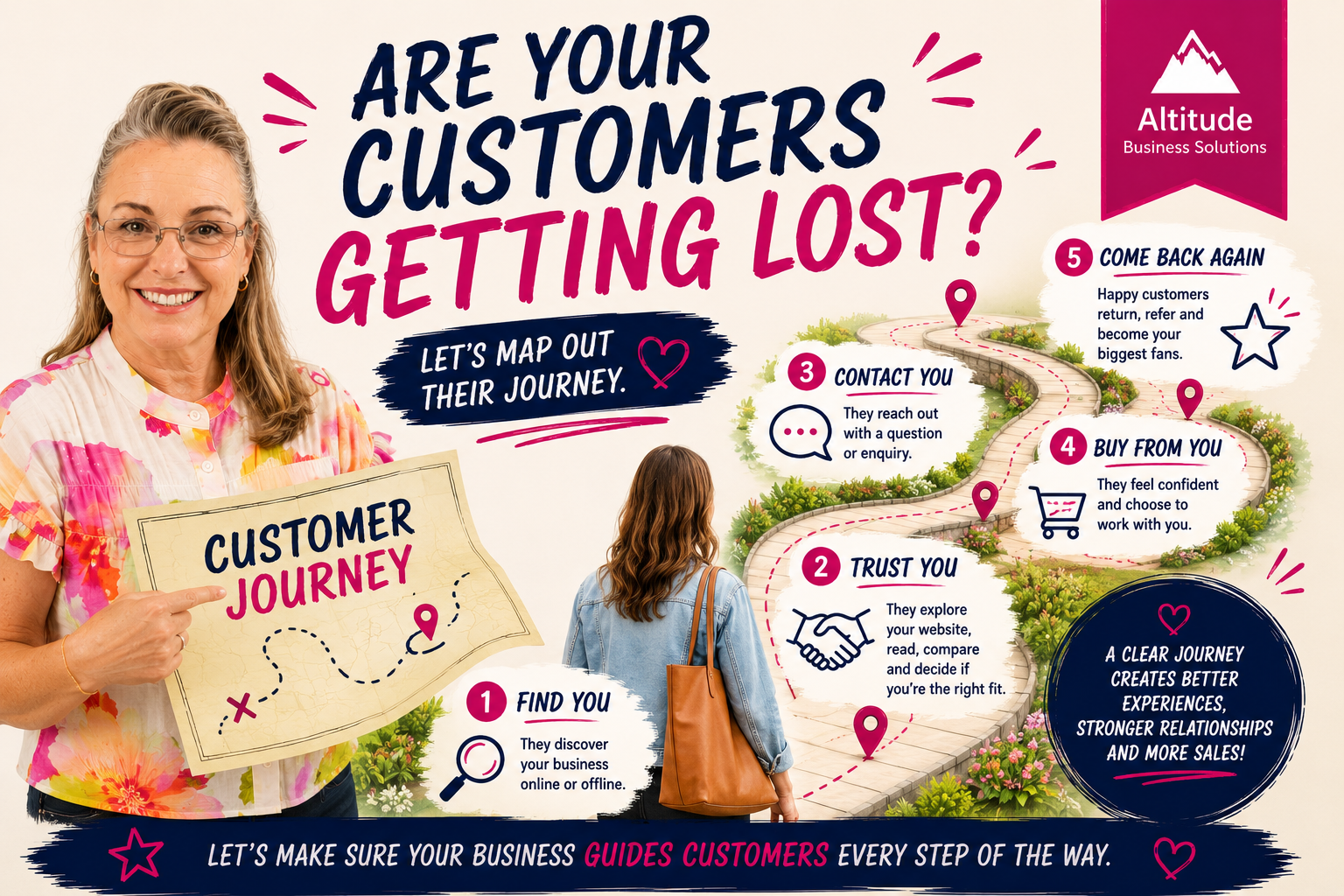
Your customers are on a journey from discovering your business to deciding whether to buy. Learn how your website, marketing and communication can guide them every step of the way.
Feeling busy but not moving forward? Discover how small business owners can improve productivity, create better systems and focus on what truly grows their business.
Leave a Comment